> ## Documentation Index
> Fetch the complete documentation index at: https://docs.trama.so/llms.txt
> Use this file to discover all available pages before exploring further.
# Agent replies
> One setting: whether the agent answers a voice note with a voice note, or always in writing.
The shortest tab of the four, and it decides something customers notice immediately.
 ## When the customer sends a voice note
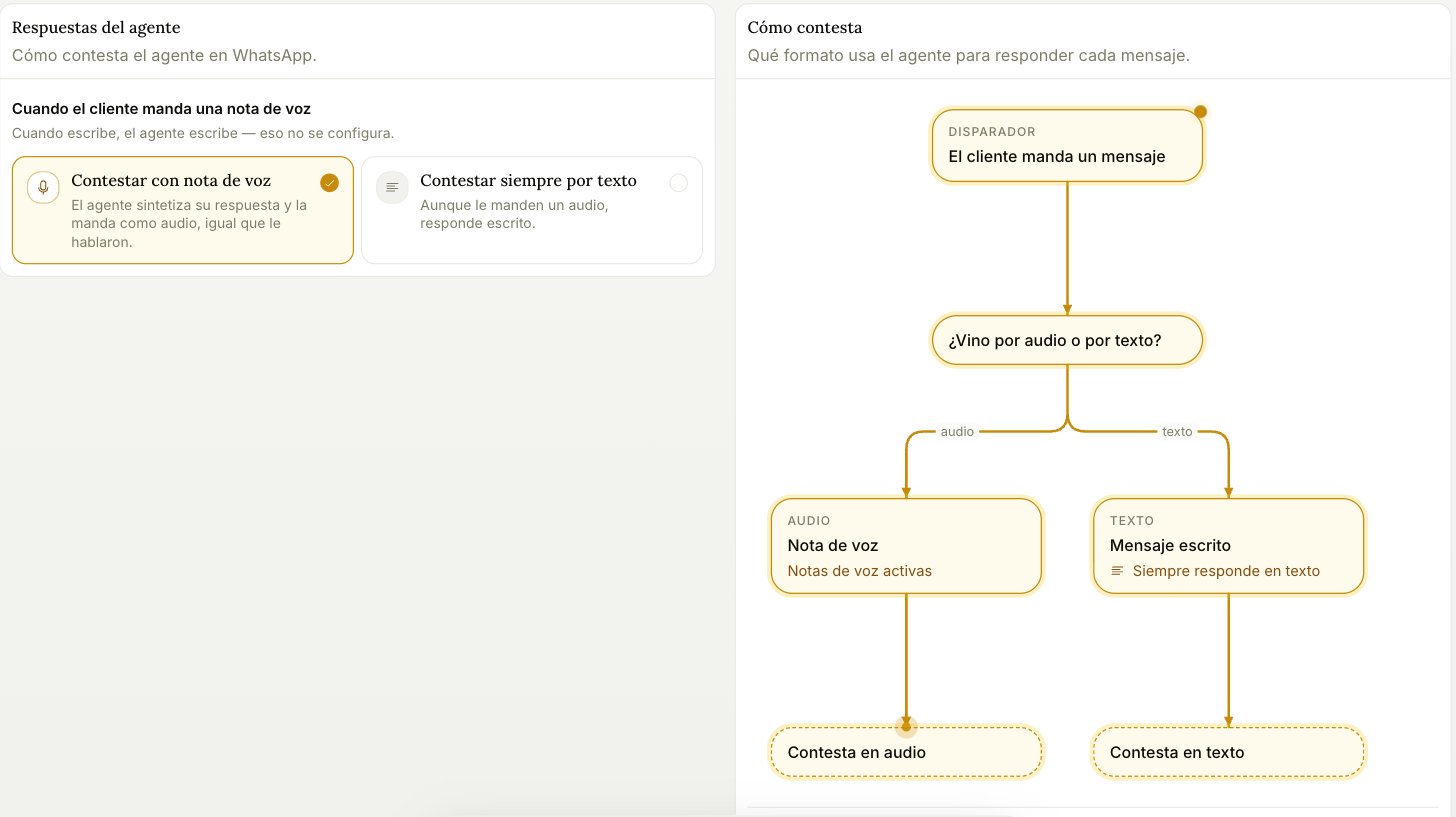
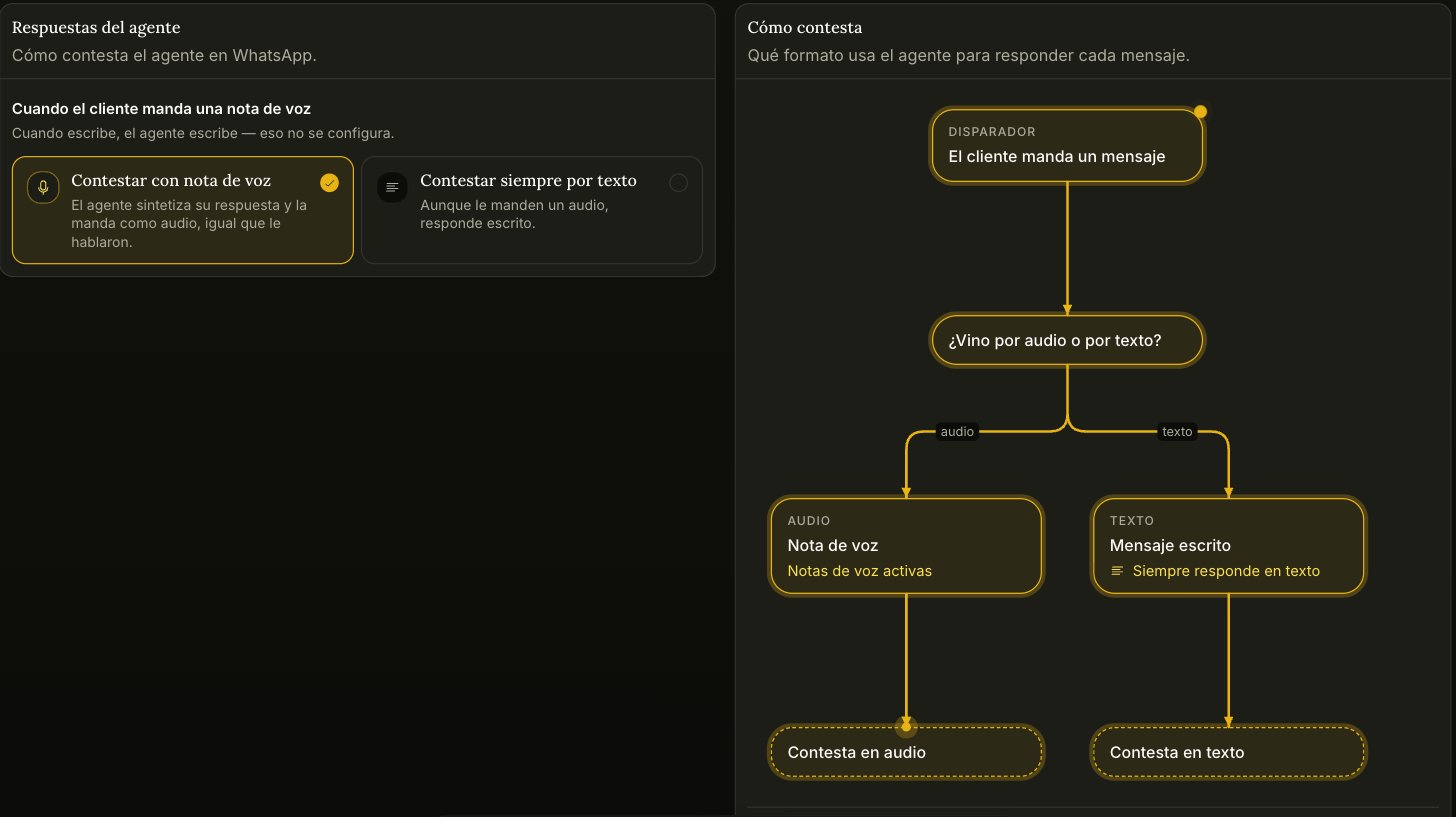
* **Reply with a voice note** — the agent synthesizes its answer and sends it as audio, matching how it was spoken to. The voice is the one you set under Identity in [the agent's configuration](/agent/configuration).
* **Always reply in writing** — even if they send audio, the answer comes back as text.
**When the customer writes, the agent writes.** That half isn't configurable, and it's why the diagram only branches on the audio side.
## When the customer sends a voice note
* **Reply with a voice note** — the agent synthesizes its answer and sends it as audio, matching how it was spoken to. The voice is the one you set under Identity in [the agent's configuration](/agent/configuration).
* **Always reply in writing** — even if they send audio, the answer comes back as text.
**When the customer writes, the agent writes.** That half isn't configurable, and it's why the diagram only branches on the audio side.