> ## Documentation Index
> Fetch the complete documentation index at: https://docs.trama.so/llms.txt
> Use this file to discover all available pages before exploring further.
# Catalogue
> Upload a flyer, the AI extracts every product in it, you review and publish. And what each field actually changes in how the agent sells.
The catalogue is what your agent knows how to sell. Everything it can quote, describe, or show a photo of comes from here — and nothing else does.
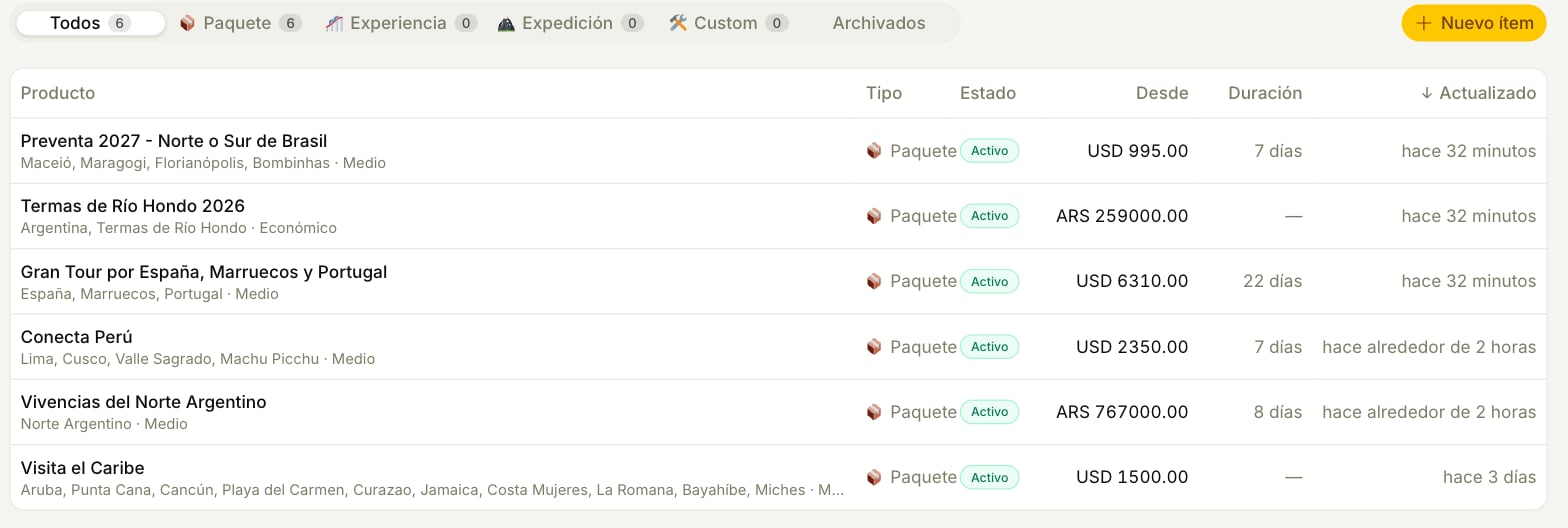
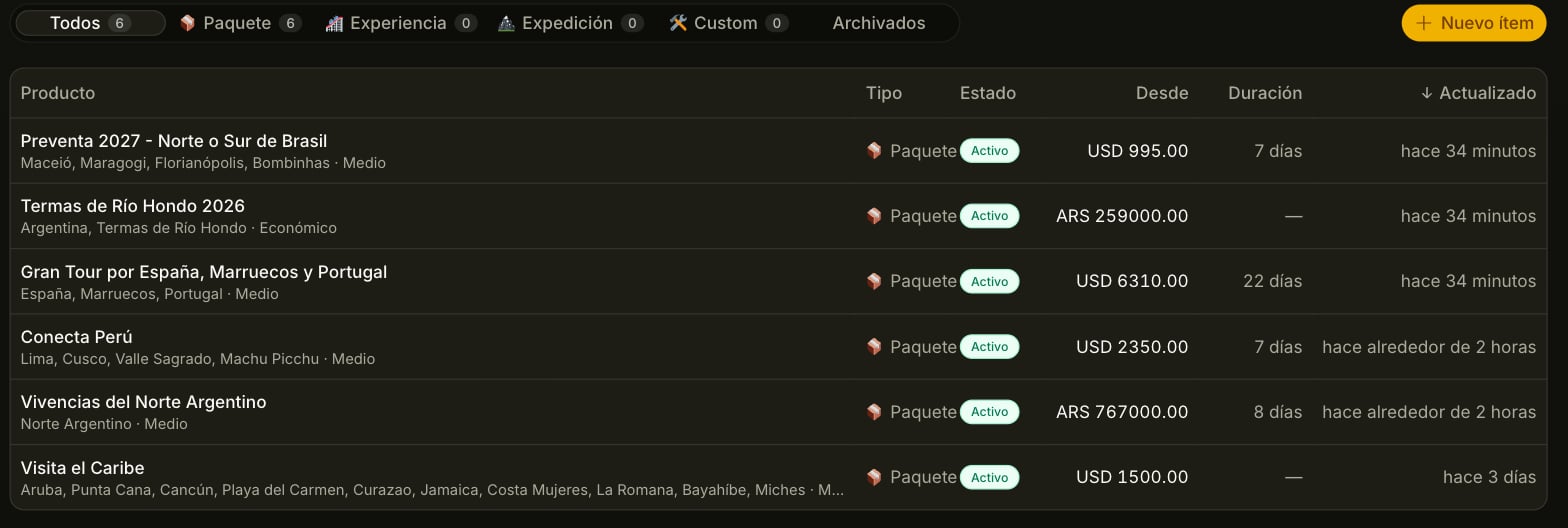 ## Loading: the flyer does the work
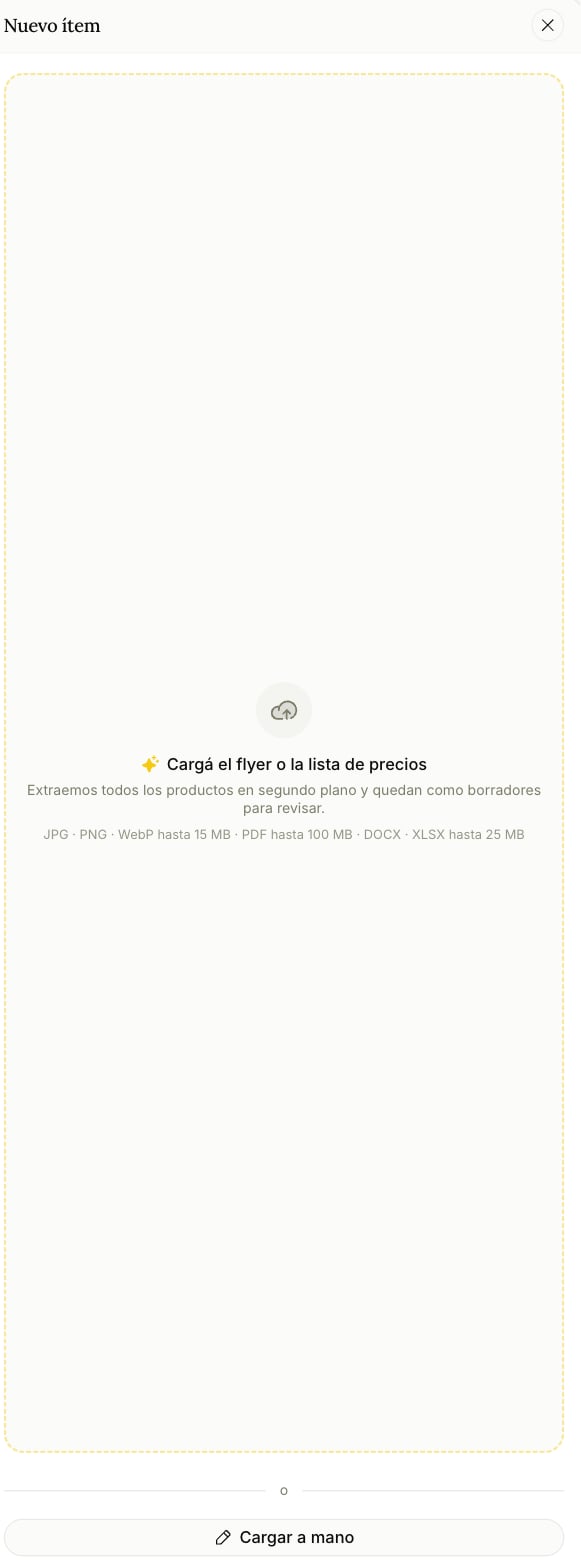
 A flyer, a price list, an operator's sheet. **JPG, PNG or WebP up to 15 MB · PDF up to 100 MB · DOCX or XLSX up to 25 MB.** Files only — there's no pasting a link or a block of text.
Not a summary: **if the flyer has twenty options, you get twenty products.** You can keep working while it runs. You'll get a notification when they're ready, and if you close the tab and come back it's still going.
This is the part worth internalizing: **an extracted product is invisible to the agent until a person publishes it.** The AI never puts words in your agent's mouth on its own.
The draft opens in the same editor as any other item. Fix what came out wrong, complete what's missing, publish. From that moment the agent can offer it.
There's also **Load manually**, next to the box where you drop the file, for a one-off. That one is born active.
One flyer, two travel dates and the same hotel is **one product with variants**, not two products. A different destination or a different kind of trip is a new product. The extraction already works that way — worth knowing so you don't "fix" something that isn't broken.
## What each field changes
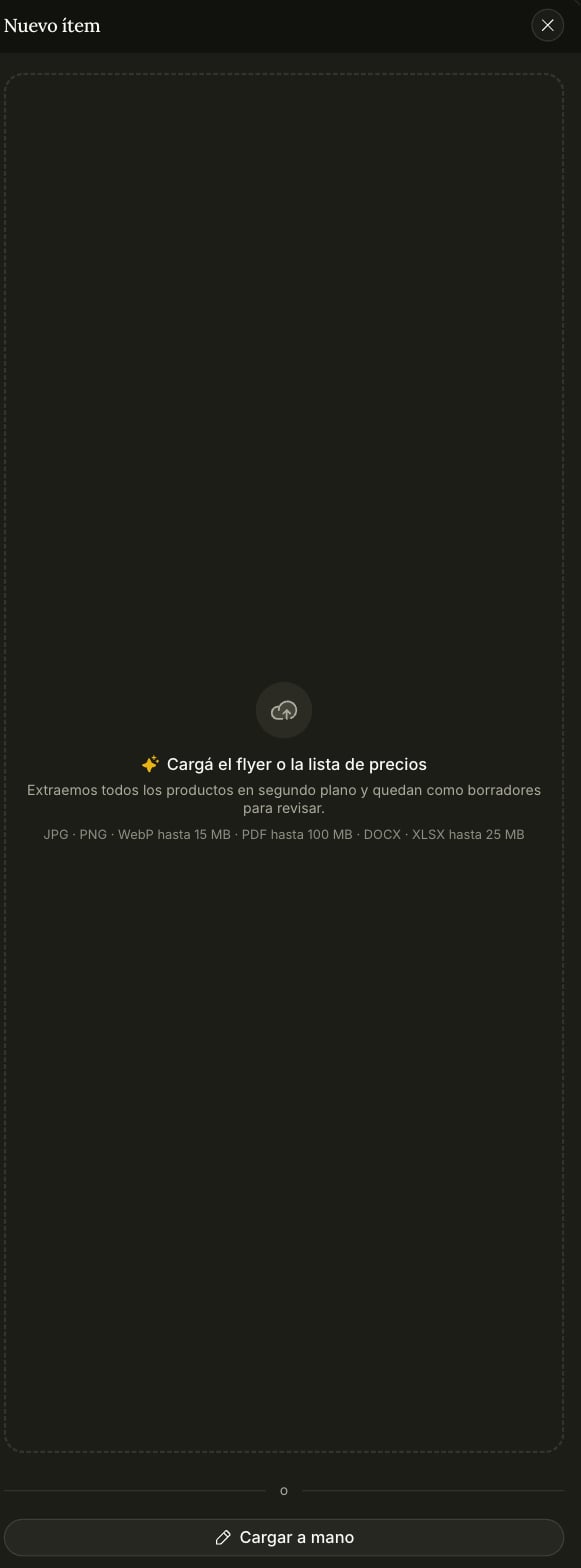
A flyer, a price list, an operator's sheet. **JPG, PNG or WebP up to 15 MB · PDF up to 100 MB · DOCX or XLSX up to 25 MB.** Files only — there's no pasting a link or a block of text.
Not a summary: **if the flyer has twenty options, you get twenty products.** You can keep working while it runs. You'll get a notification when they're ready, and if you close the tab and come back it's still going.
This is the part worth internalizing: **an extracted product is invisible to the agent until a person publishes it.** The AI never puts words in your agent's mouth on its own.
The draft opens in the same editor as any other item. Fix what came out wrong, complete what's missing, publish. From that moment the agent can offer it.
There's also **Load manually**, next to the box where you drop the file, for a one-off. That one is born active.
One flyer, two travel dates and the same hotel is **one product with variants**, not two products. A different destination or a different kind of trip is a new product. The extraction already works that way — worth knowing so you don't "fix" something that isn't broken.
## What each field changes
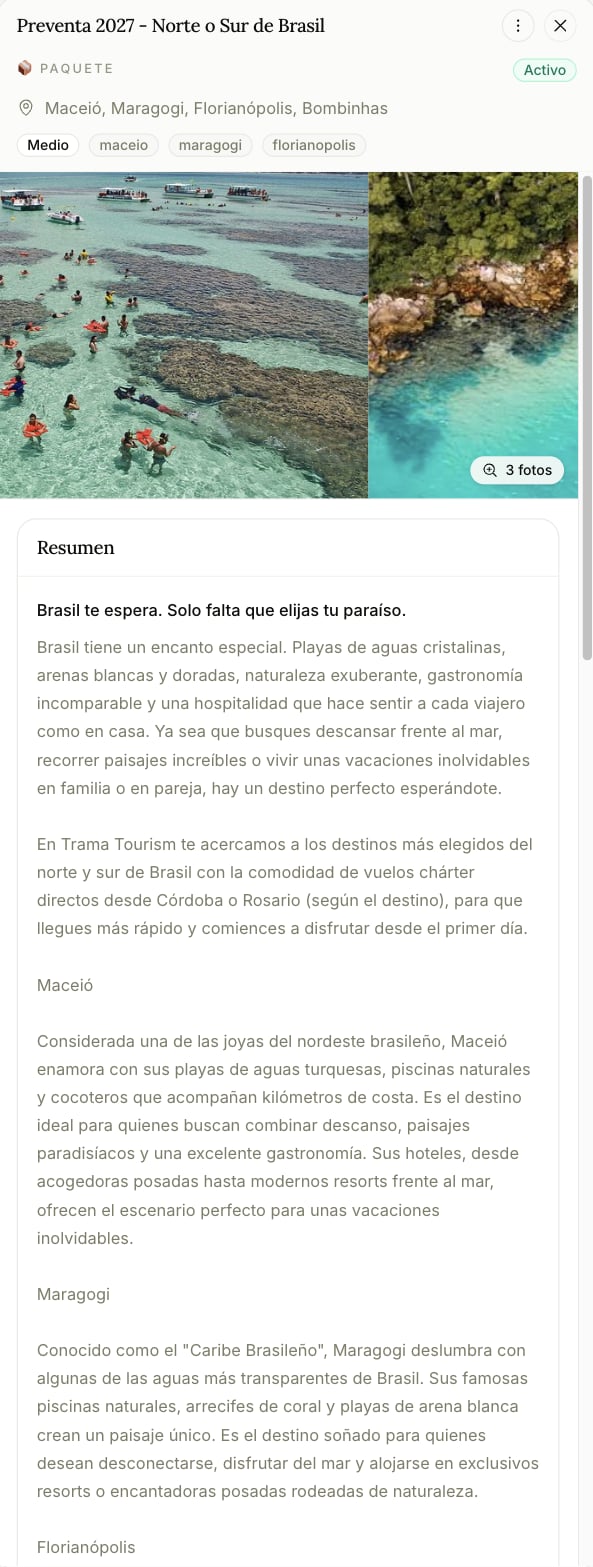
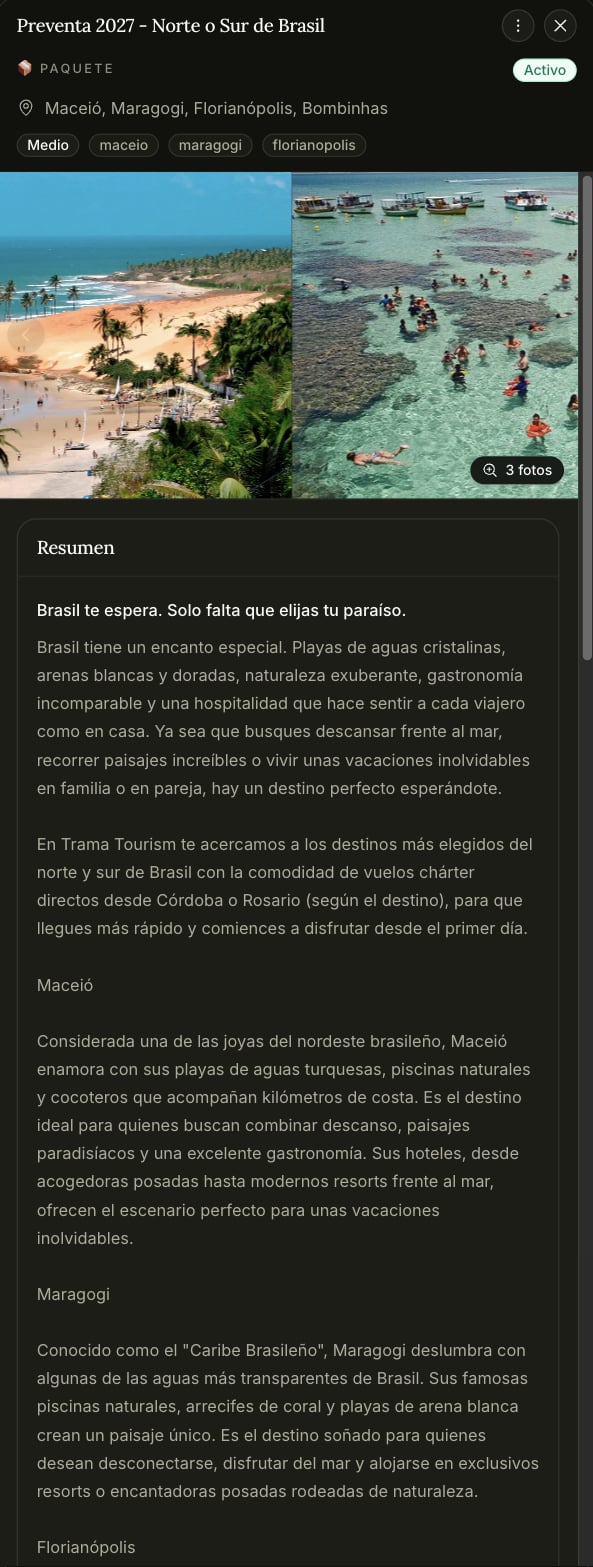 Only the title is required. But the fields are not equal — some steer how the agent sells and some are decoration.
**These change what the agent finds and says:**
| Field | What it does |
| ------------------------------------------------ | ------------------------------------------------------------------------------------------------------------------------------------------------------ |
| **Title** | The main search anchor. A product named the way people ask for it gets found |
| **Destinations** | The other axis of search. It matches by name and by country |
| **Price, currency and mode** | Critical. **Without a price the agent has no number to give** — and if it invents one, the system catches it and rewrites the message before it's sent |
| **Price basis** ("per person, double occupancy") | Quoted right next to the amount. Leave it empty and the number goes out naked |
| **Budget level** (economic / mid / premium) | Filters by what the customer said they can spend |
| **Region tags** (`caribbean`, `all-inclusive`) | Thematic filter. These are themes, not places |
| **Duration and capacity** | Filters, with tolerance: seven nights also matches someone asking for six |
| **Short description** | Always searched, and goes to the agent whole |
| **Full description** | The agent may quote it, but **only the first few thousand characters reach it**. Put what matters first |
| **Includes / Excludes** | Excludes are never volunteered — only if the customer asks directly |
| **Season notes** | Quoted **verbatim** in the first offer. Write it as you'd want it read out loud |
| **Special conditions** | Minimums, deposits, cancellation. Goes through as-is |
**These do not affect the agent:** the cover photo, the gallery and whether it shows on your Offer Link — that's the public micro-site only. And **internal notes and the operator never reach the agent**, which is exactly why they're the right place for what you don't want repeated to a customer.
**And one that's a surprise:** the **type** (package, experience, expedition, custom) is a label for you. The agent deliberately doesn't filter by it — filtering by type was hiding a quarter of the catalogue from perfectly good answers.
## How the agent actually uses it
Three layers, and knowing them explains behavior that otherwise looks random:
1. **An index it always carries** — titles, destinations, duration and season for up to a hundred products. No prices. It's how the agent *knows something exists*; it isn't allowed to quote from it.
2. **A search, when it needs specifics** — filtered by destination, theme, budget, capacity or nights. If nothing comes back it automatically widens the search rather than saying "we don't have that", and then it has to verify before offering.
3. **A fresh read of the product being discussed**, every turn. That's why a price change takes effect mid-conversation instead of the agent repeating a stale figure.
## Status
| Status | The agent | Your Offer Link |
| ------------ | --------- | --------------- |
| **Active** | Offers it | Yes |
| **Paused** | No | No |
| **Draft** | No | No |
| **Archived** | No | No |
Pausing is for something you still sell but not right now.
**Archiving is the delete button.** It's recoverable for 30 days; after that the product is gone for good and there's no way to bring it back.
## Groups
Groups let you assign part of the catalogue to a specific agent: agent one only knows about these packages, agent two knows about those. Useful when you run more than one agent on different channels.
The default is generous on purpose, and it's what keeps this from backfiring: **an agent with no groups assigned sees the whole catalogue, and an item in no group is visible to every agent.** Creating a group takes nothing away from anyone until you also assign it to an agent.
Groups are managed from the catalogue itself, not from the agent's page.
Only the title is required. But the fields are not equal — some steer how the agent sells and some are decoration.
**These change what the agent finds and says:**
| Field | What it does |
| ------------------------------------------------ | ------------------------------------------------------------------------------------------------------------------------------------------------------ |
| **Title** | The main search anchor. A product named the way people ask for it gets found |
| **Destinations** | The other axis of search. It matches by name and by country |
| **Price, currency and mode** | Critical. **Without a price the agent has no number to give** — and if it invents one, the system catches it and rewrites the message before it's sent |
| **Price basis** ("per person, double occupancy") | Quoted right next to the amount. Leave it empty and the number goes out naked |
| **Budget level** (economic / mid / premium) | Filters by what the customer said they can spend |
| **Region tags** (`caribbean`, `all-inclusive`) | Thematic filter. These are themes, not places |
| **Duration and capacity** | Filters, with tolerance: seven nights also matches someone asking for six |
| **Short description** | Always searched, and goes to the agent whole |
| **Full description** | The agent may quote it, but **only the first few thousand characters reach it**. Put what matters first |
| **Includes / Excludes** | Excludes are never volunteered — only if the customer asks directly |
| **Season notes** | Quoted **verbatim** in the first offer. Write it as you'd want it read out loud |
| **Special conditions** | Minimums, deposits, cancellation. Goes through as-is |
**These do not affect the agent:** the cover photo, the gallery and whether it shows on your Offer Link — that's the public micro-site only. And **internal notes and the operator never reach the agent**, which is exactly why they're the right place for what you don't want repeated to a customer.
**And one that's a surprise:** the **type** (package, experience, expedition, custom) is a label for you. The agent deliberately doesn't filter by it — filtering by type was hiding a quarter of the catalogue from perfectly good answers.
## How the agent actually uses it
Three layers, and knowing them explains behavior that otherwise looks random:
1. **An index it always carries** — titles, destinations, duration and season for up to a hundred products. No prices. It's how the agent *knows something exists*; it isn't allowed to quote from it.
2. **A search, when it needs specifics** — filtered by destination, theme, budget, capacity or nights. If nothing comes back it automatically widens the search rather than saying "we don't have that", and then it has to verify before offering.
3. **A fresh read of the product being discussed**, every turn. That's why a price change takes effect mid-conversation instead of the agent repeating a stale figure.
## Status
| Status | The agent | Your Offer Link |
| ------------ | --------- | --------------- |
| **Active** | Offers it | Yes |
| **Paused** | No | No |
| **Draft** | No | No |
| **Archived** | No | No |
Pausing is for something you still sell but not right now.
**Archiving is the delete button.** It's recoverable for 30 days; after that the product is gone for good and there's no way to bring it back.
## Groups
Groups let you assign part of the catalogue to a specific agent: agent one only knows about these packages, agent two knows about those. Useful when you run more than one agent on different channels.
The default is generous on purpose, and it's what keeps this from backfiring: **an agent with no groups assigned sees the whole catalogue, and an item in no group is visible to every agent.** Creating a group takes nothing away from anyone until you also assign it to an agent.
Groups are managed from the catalogue itself, not from the agent's page.