Everything your Inquiry Agent does comes from one screen: Agents → your agent. It’s split into five tabs, and each one answers a different question. Two things are worth knowing before you start. The agent only knows what you load here — it never fills gaps on its own. And every change updates the diagram on the right, so you can see the consequence before a customer does.

The diagram tells you what you’ve actually configured

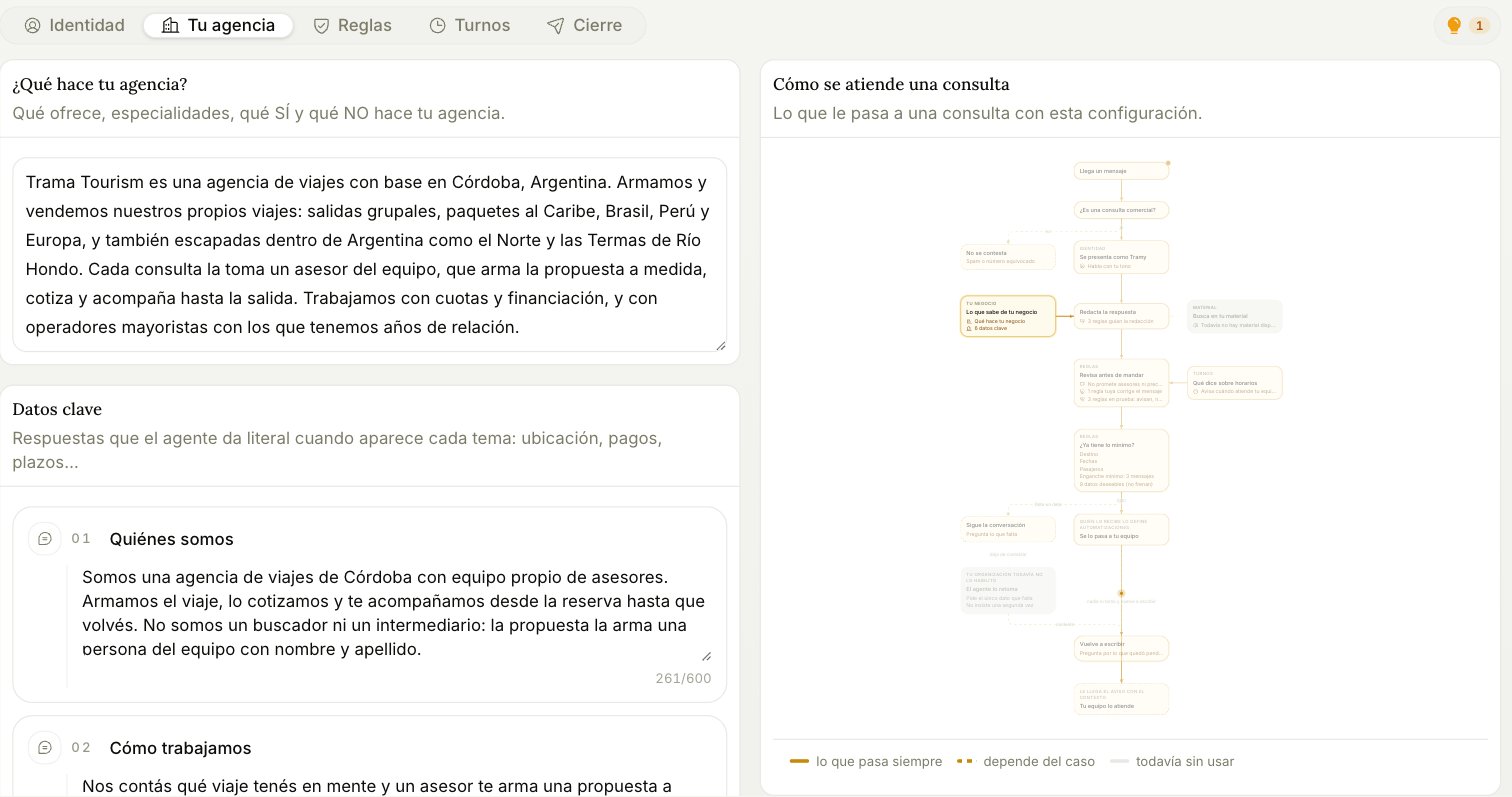
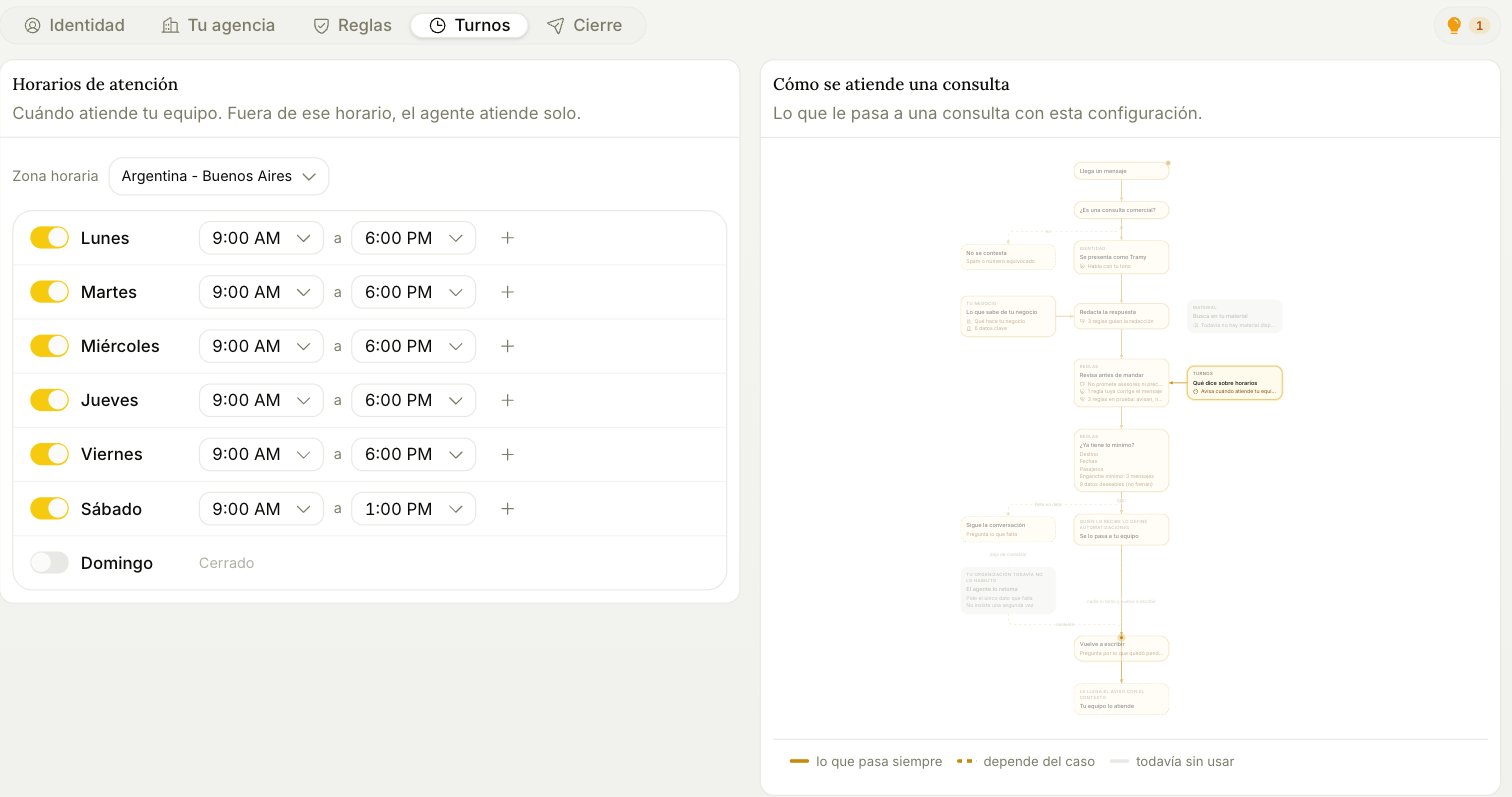
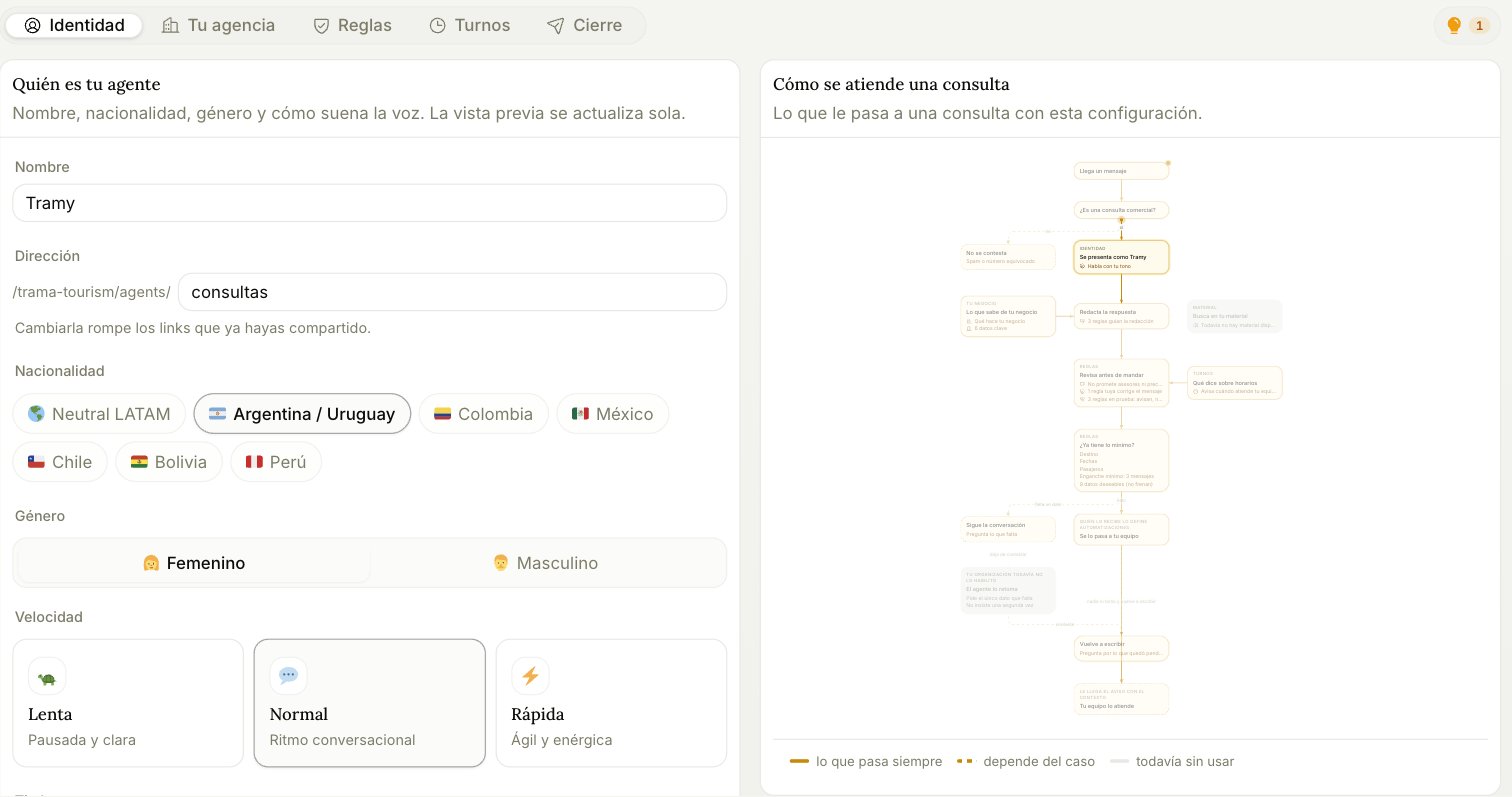
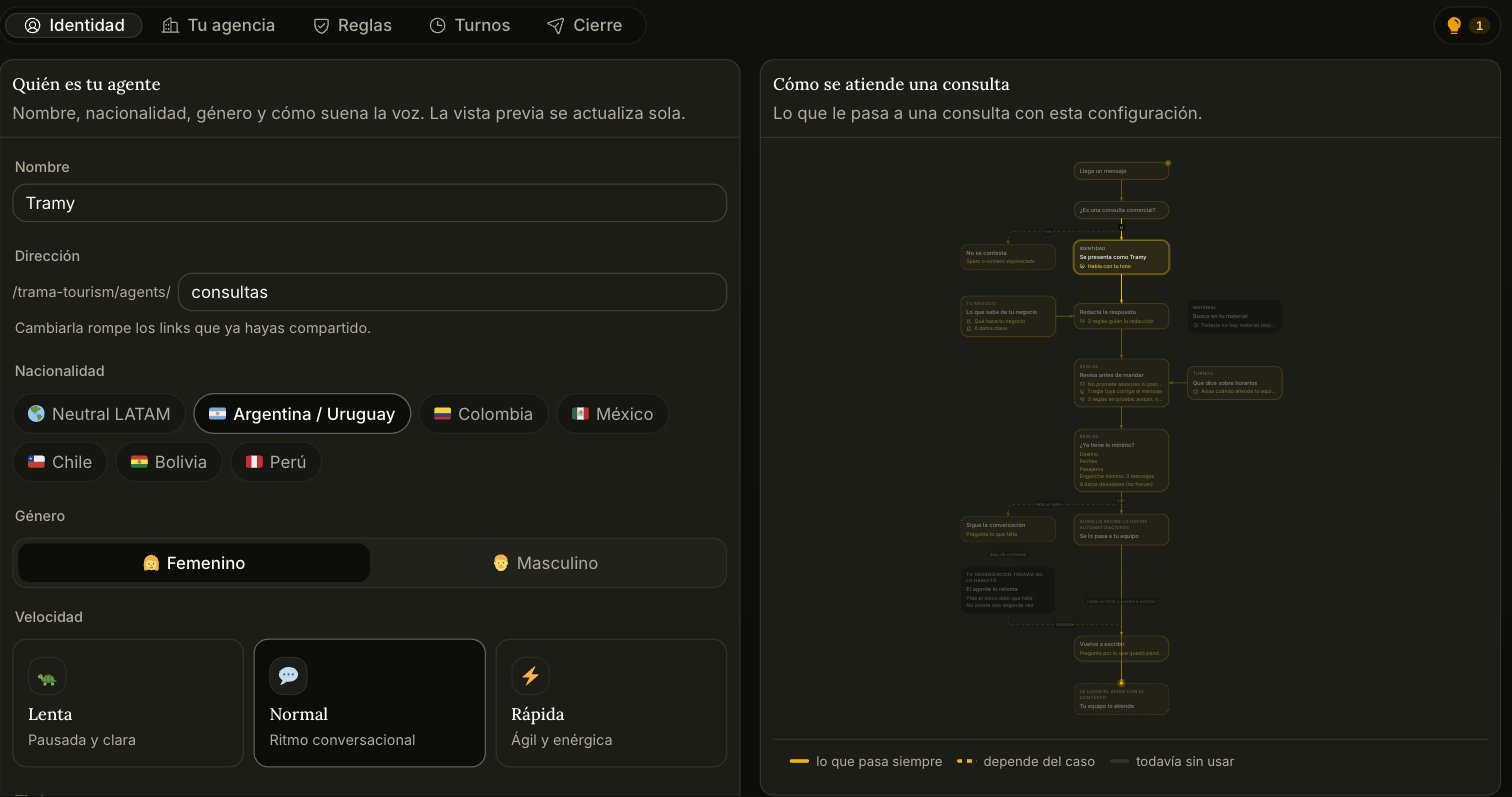
The right-hand panel isn’t decoration. It’s the real path an inquiry takes with your current setup, and it highlights the step belonging to whichever tab you’re on. The agent configurator, Identity tab, with the conversation flow diagram on the right Read the legend at the bottom: what always happens, what depends on the case, and not in use yet. That third state is the useful one — a greyed-out step is something you haven’t set up, and the diagram is telling you the agent will skip it.
Identity

Who your agent is: name, the address customers reach it at, nationality, gender, and how the voice sounds. Two settings matter more than they look:
  • Address. It’s the public URL of the agent. Changing it breaks every link you’ve already shared.
  • Nationality. It’s not cosmetic: it sets the register. Picking Argentina/Uruguay switches the agent to voseo, not just to a flag.
Speed and timbre only affect voice notes. A more expressive timbre at a slower speed sounds less robotic — use Listen to compare before deciding.

Your agency

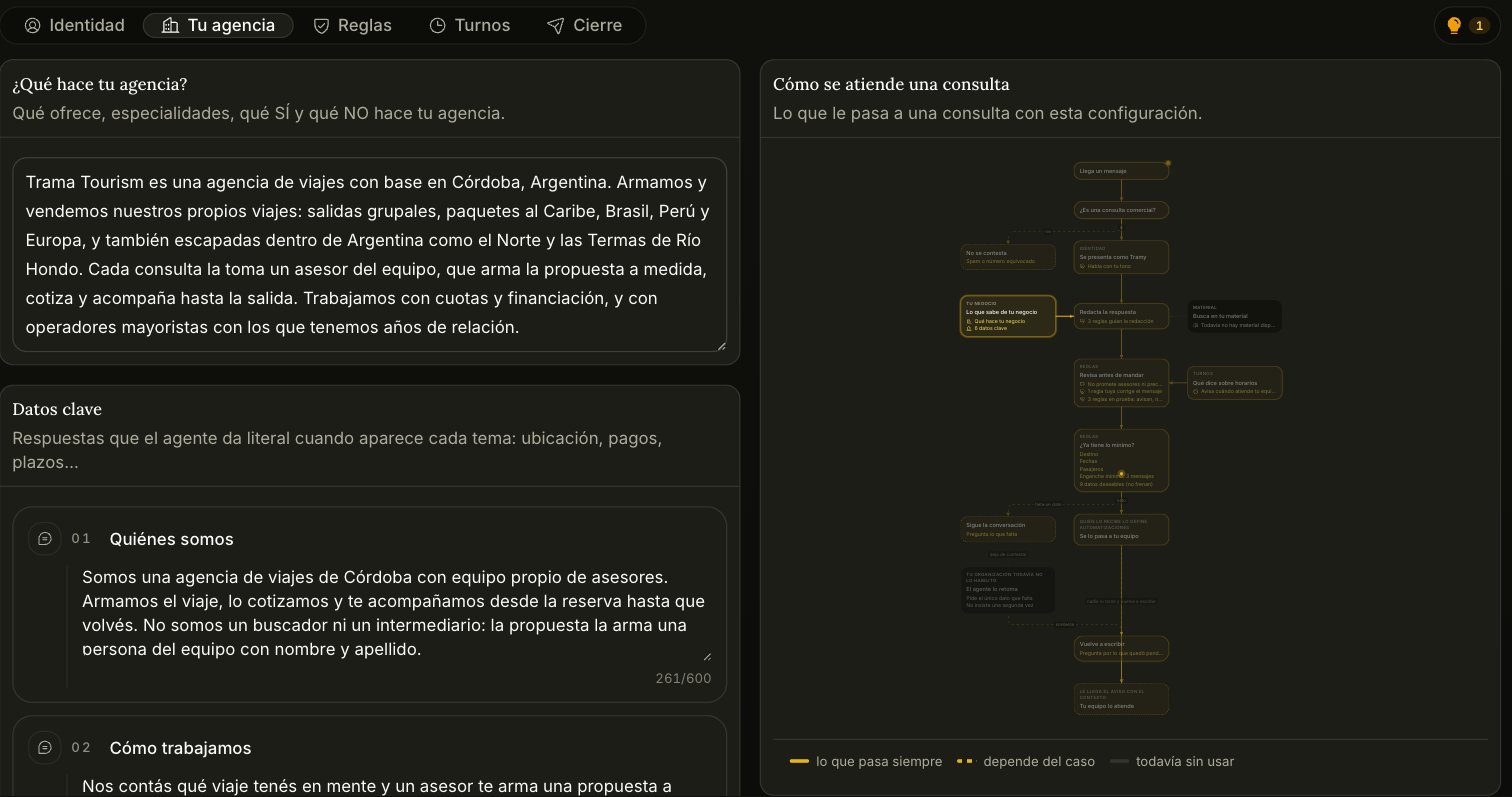
Your agency tab, with the business description and key facts Two blocks with different jobs: What your agency does is free-form context. What you sell, what you specialize in, what you explicitly don’t do. The agent uses it to reason, not to quote verbatim. Key facts is the opposite: answers the agent repeats word for word when a topic comes up — where you’re located, how payments work, what your deadlines are. Use this for anything that must always come out the same way.

Rules

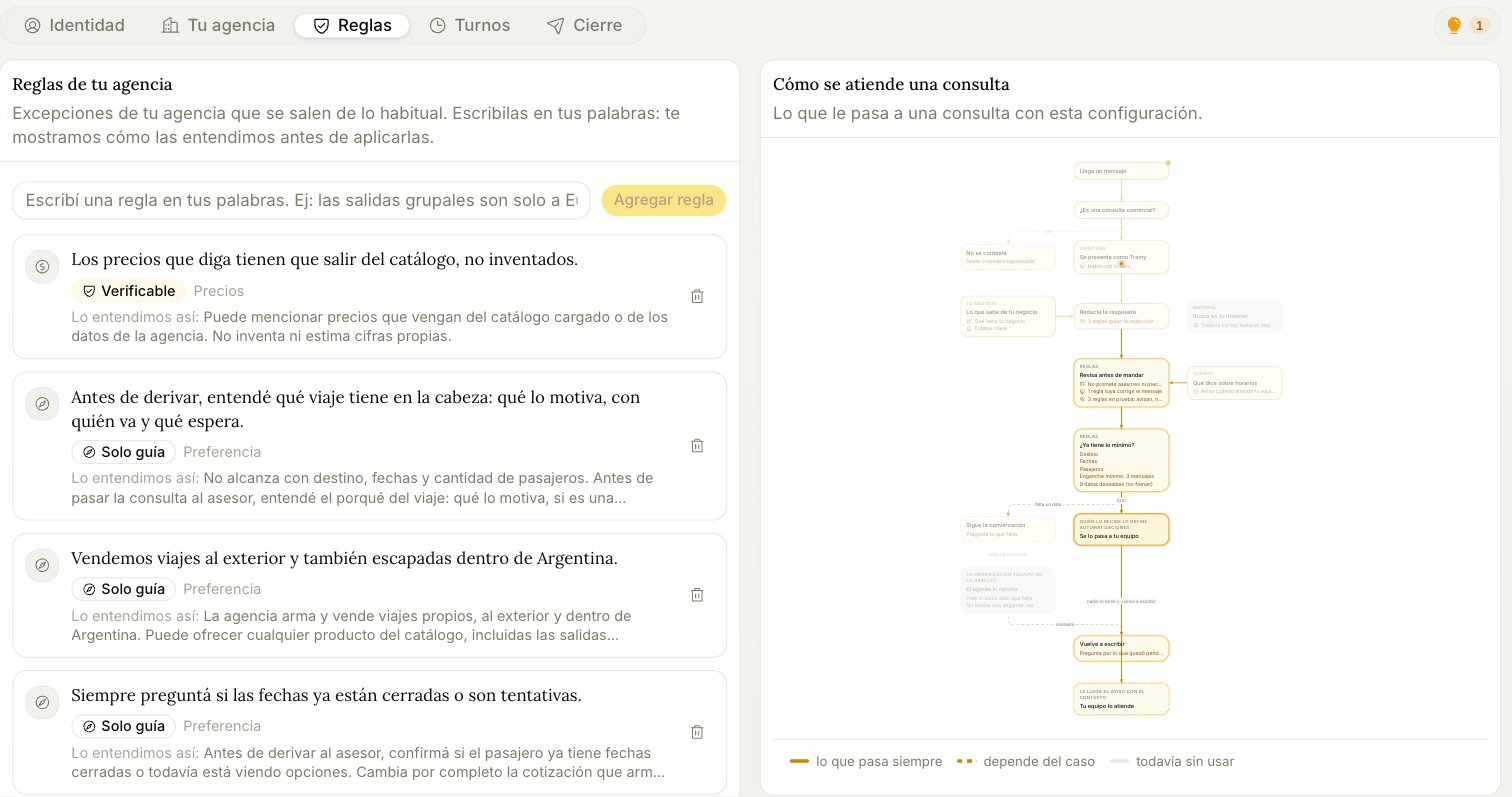
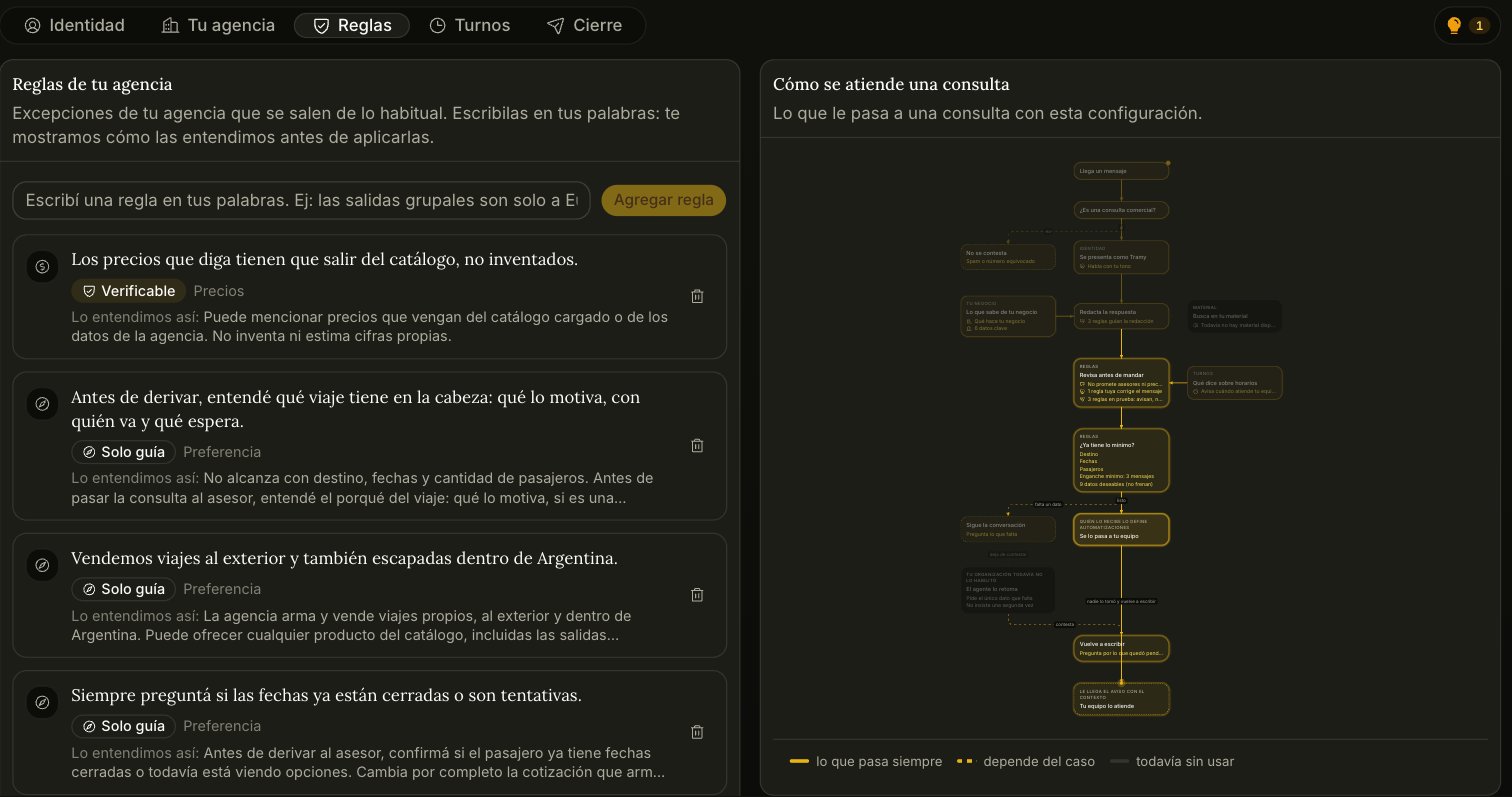
Rules tab, showing rules classified as verifiable or guidance only You write rules in your own words and Trama shows you how it understood them, under We read this as — check that line, because that interpretation is what actually gets applied. Each rule gets classified into one of two kinds, and the difference is real:
  • Verifiable — the rule can be checked against data, so it’s enforced. “Any price it quotes has to come from the catalogue” is verifiable.
  • Guidance only — a preference that steers the writing but can’t be mechanically checked. “Always ask whether the dates are firm or tentative” is guidance.
Don’t expect a preference to behave like a guardrail. If something must never happen, phrase it so it can be verified.

Shifts

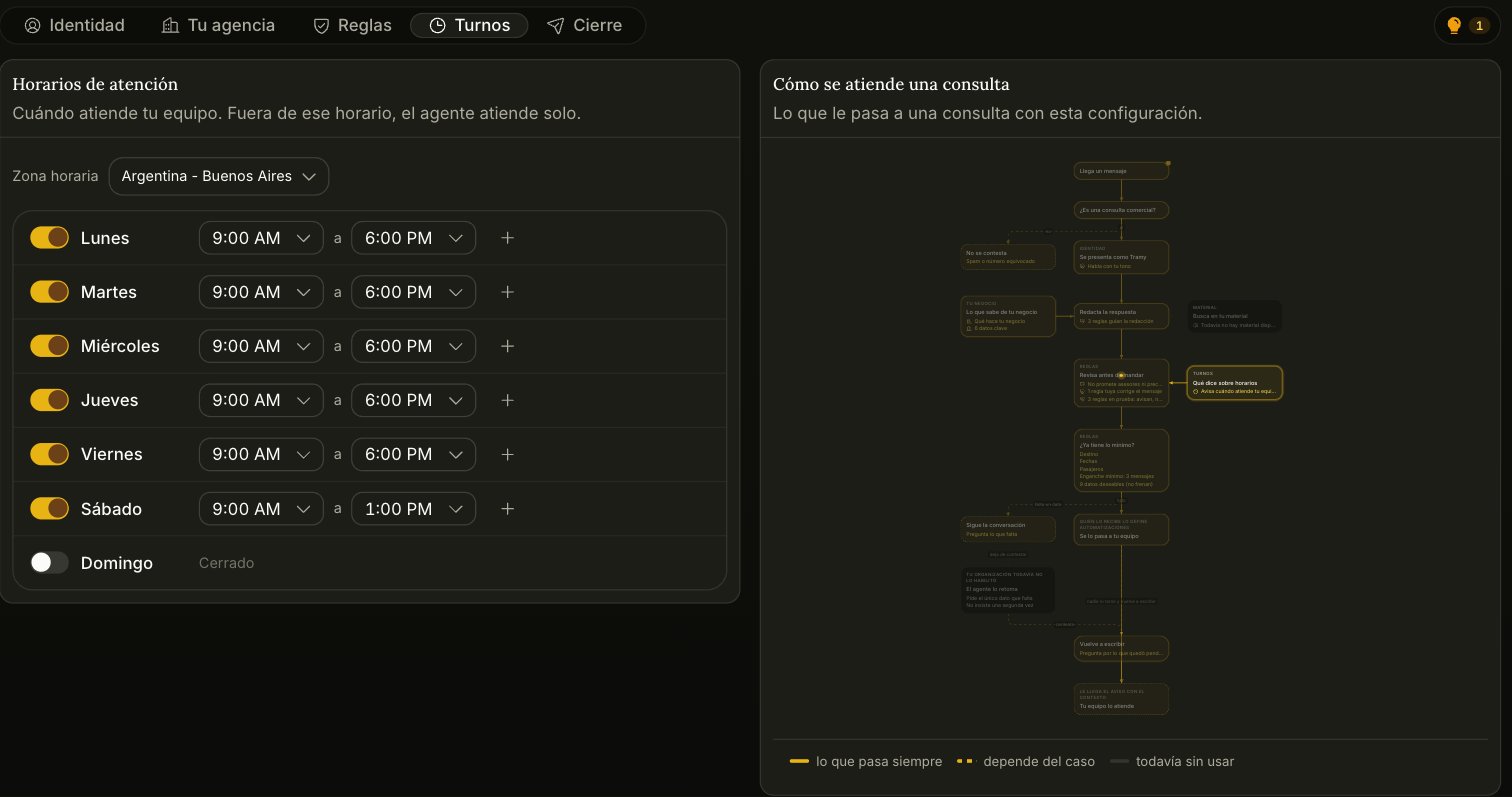
Shifts tab, with business hours per day Your team’s hours, per day, in your timezone, with as many slots per day as you need. Outside those hours the agent still works — it just tells the customer when a human will pick things up, instead of implying somebody is about to answer.

Handover

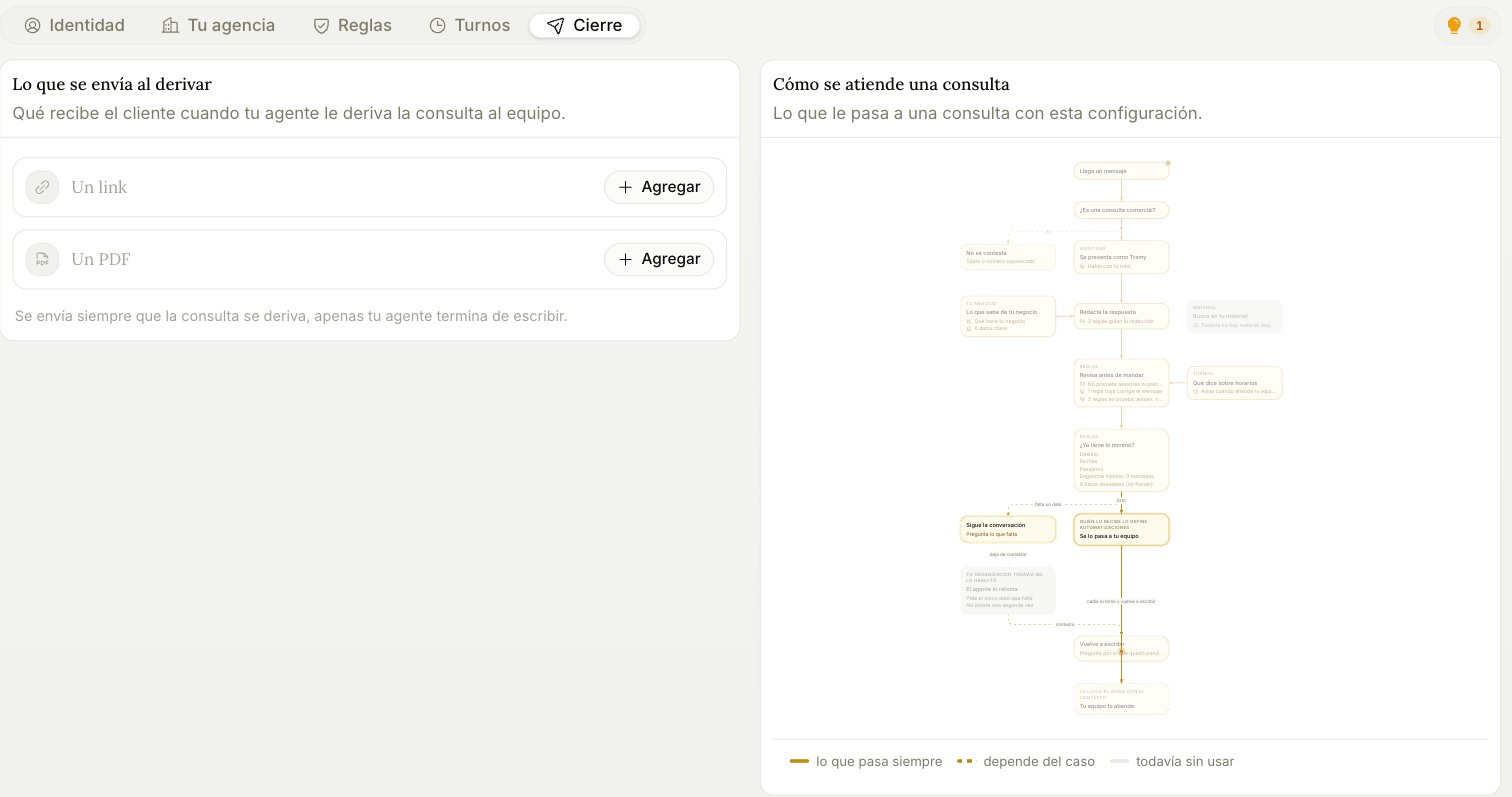
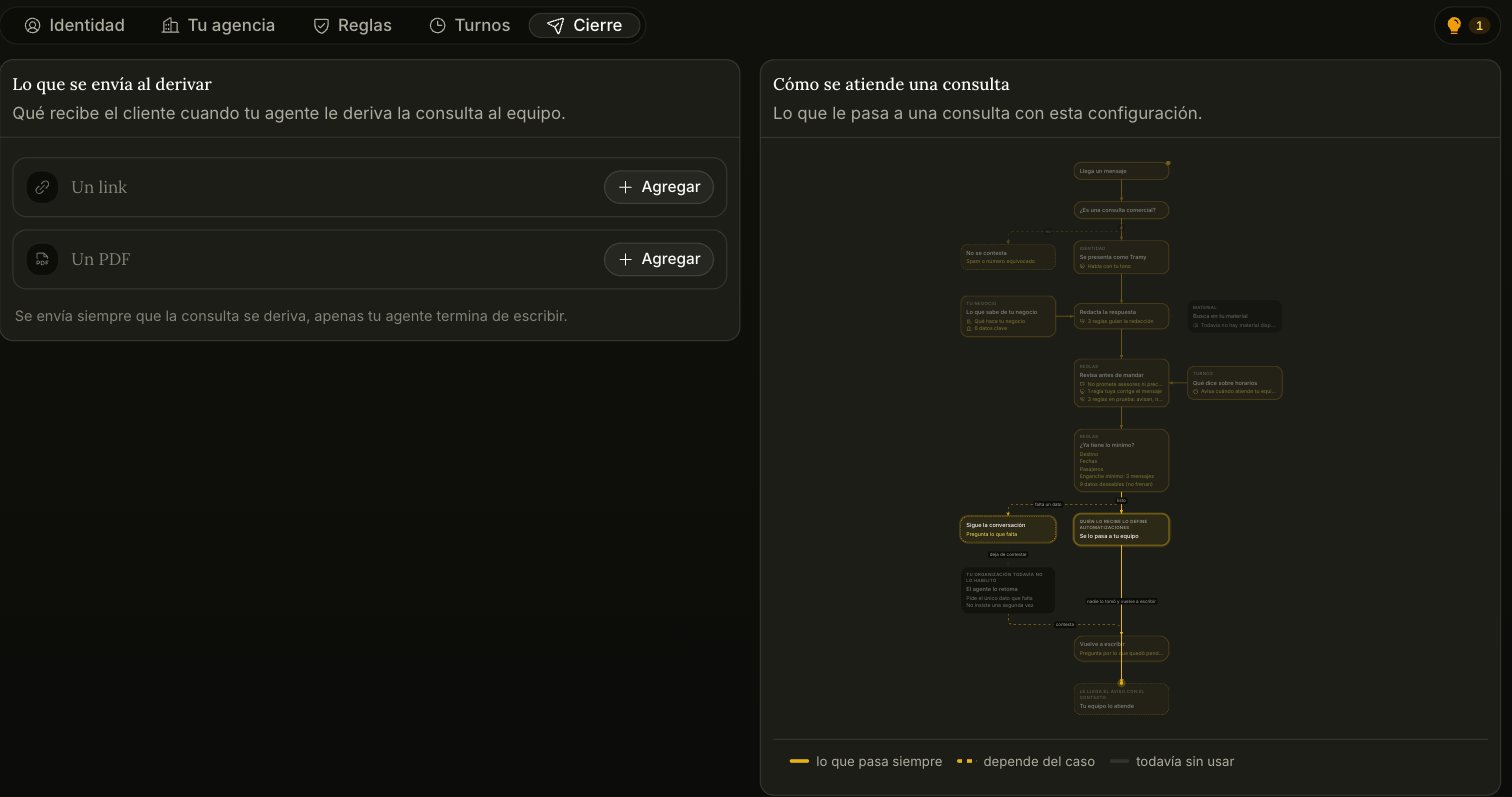
Handover tab, for attaching a link or a PDF What the customer gets at the moment the inquiry is handed to your team: a link, a PDF, or both. It goes out on every handover, right after the agent finishes writing — a catalogue, a brochure, a booking form.
Your agent answers on the web chat from day one — that channel is on by default. The warning you may see at the top of the configurator means something narrower: no messaging channel is connected yet, so nobody can reach it on WhatsApp, Instagram, or Messenger. You connect those from Channels.