

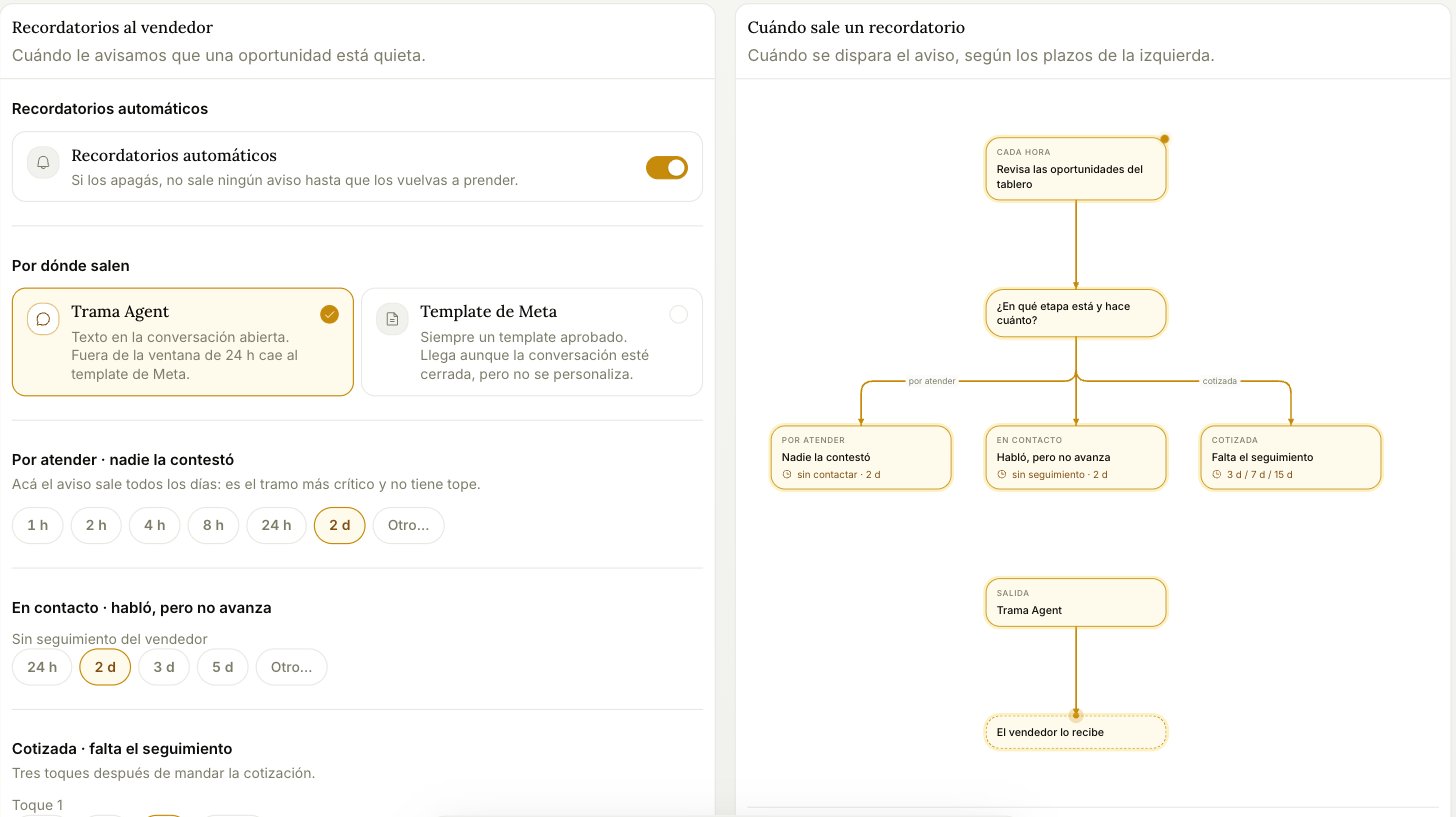
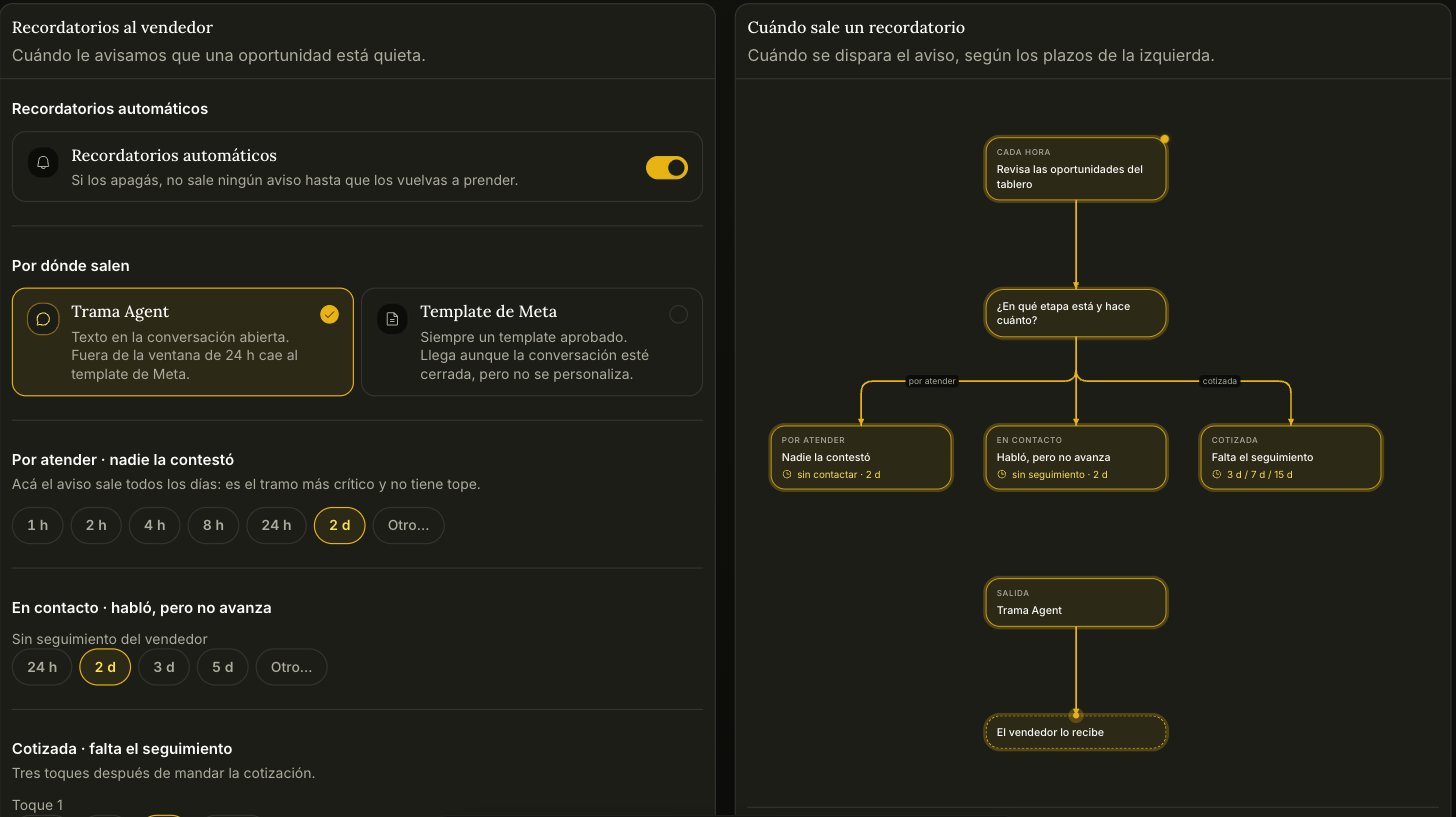
Where they come out
- Trama Agent — text inside the open conversation. Outside WhatsApp’s 24-hour window it falls back to a Meta template.
- Meta template — always an approved template. It arrives even if the conversation is closed, but it can’t be personalized.
The deadlines
Three stages, each with its own clock. The values below are the defaults; every one of them is yours to change. To contact · nobody replied — default 2 days. This is the only stretch where the alert repeats every day: it’s the most critical one and it has no cap. In contact · they talked, but it’s not moving — default 2 days without follow-up from the rep. Quoted · follow-up missing — three touches after the quote goes out, at 3, 7, and 15 days by default.These deadlines are not fixed product behavior — they’re settings. If your sales cycle is longer or shorter than the defaults, change them here rather than working around them.