

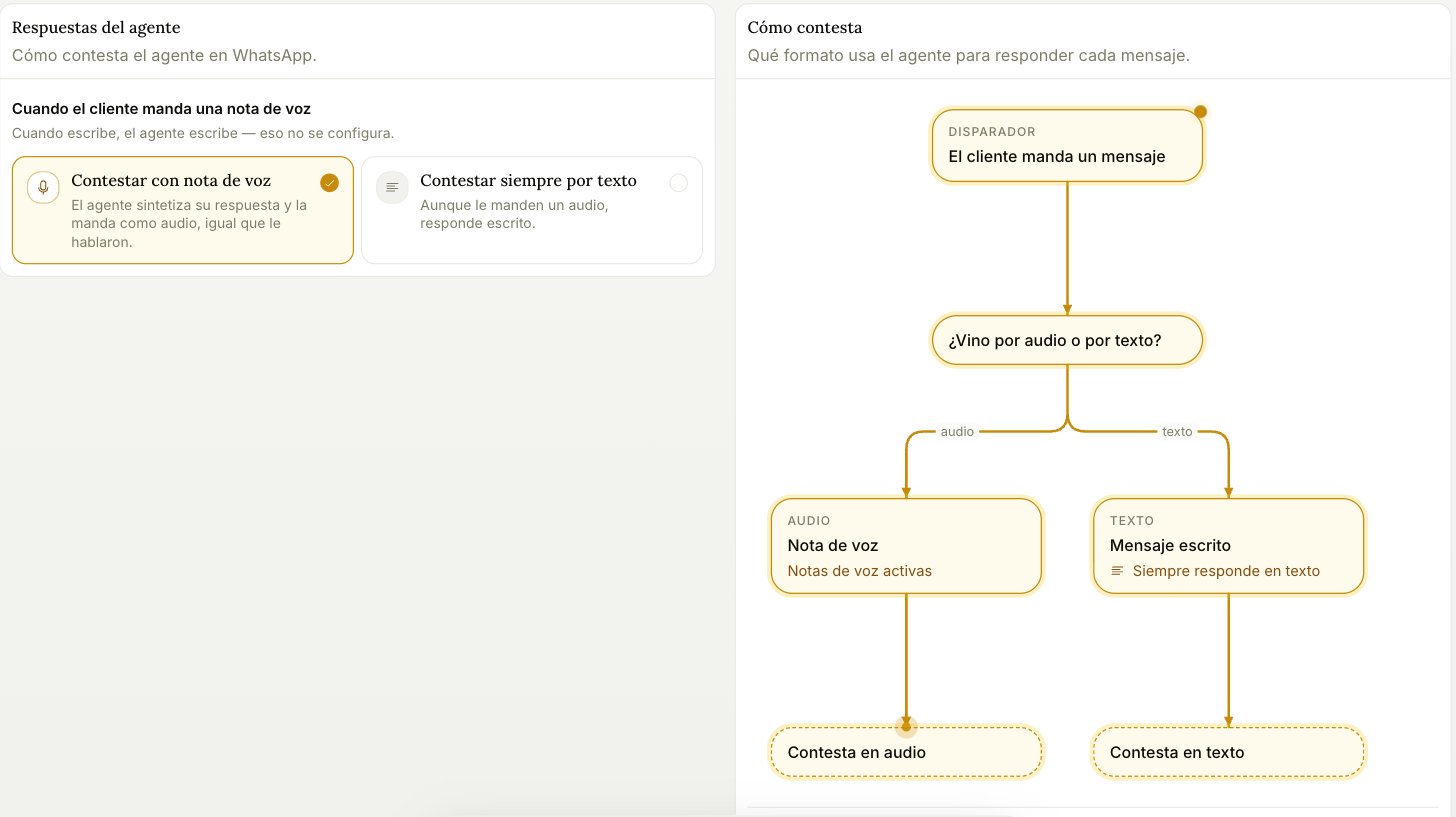
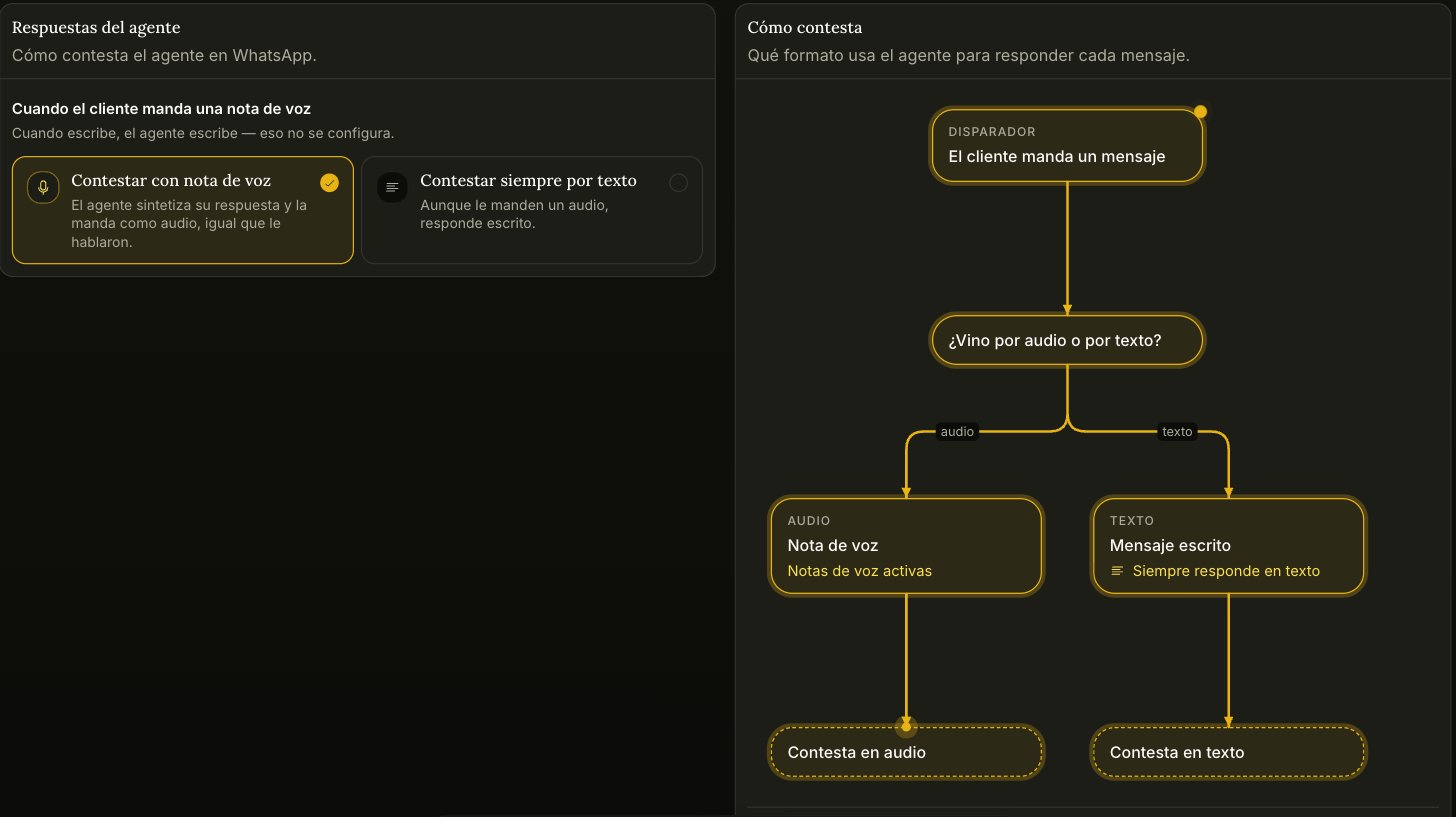
When the customer sends a voice note
- Reply with a voice note — the agent synthesizes its answer and sends it as audio, matching how it was spoken to. The voice is the one you set under Identity in the agent’s configuration.
- Always reply in writing — even if they send audio, the answer comes back as text.